Ollama
Run open-source LLMs on your own machine. Support for Llama, Mistral, Gemma, and more.
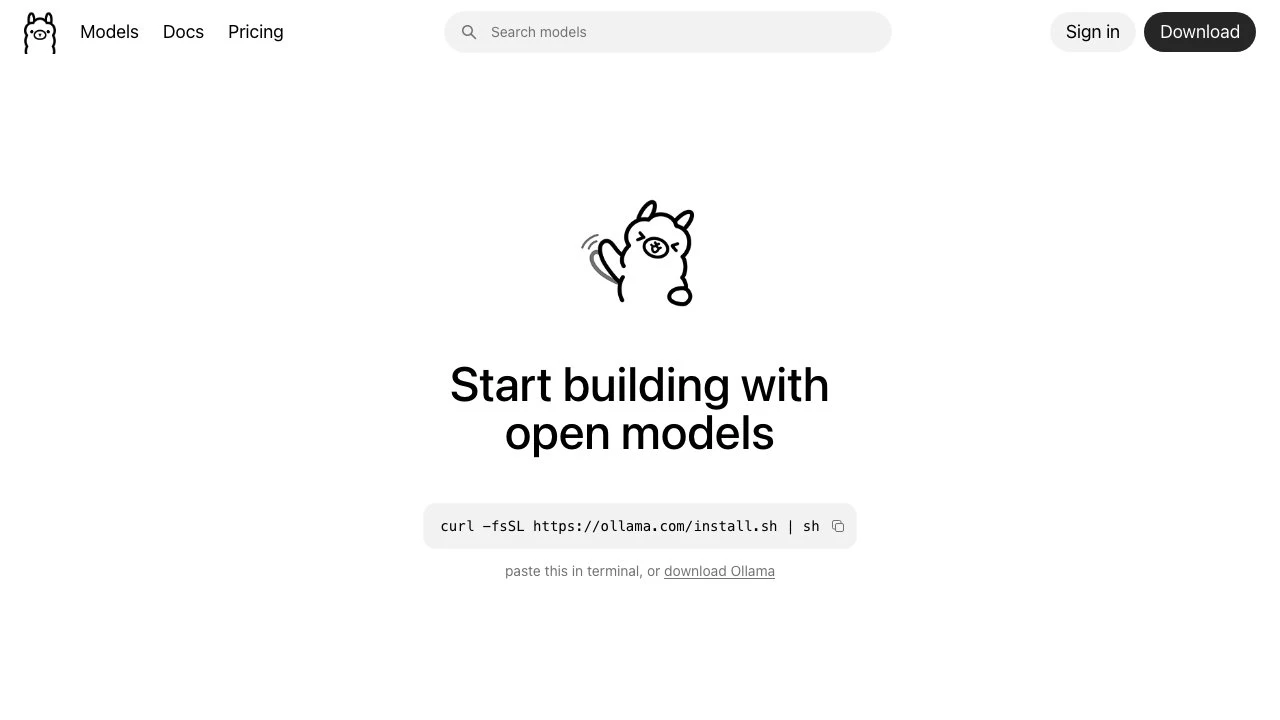
Ollama is an open-source runtime that lets developers and individuals run large language models directly on their own hardware, without sending data to external APIs or cloud services. By packaging model weights, configuration, and runtime into a single tool, Ollama removes the infrastructure complexity that typically comes with self-hosting LLMs — no CUDA configuration, no container orchestration, just a single install command and a model name.
At its core, Ollama functions as a local model server. Once installed, it exposes an API that any application can talk to, using the same interface shape as OpenAI's API. This makes it a drop-in backend for tools already built against OpenAI — meaning Claude Code, LangChain, LlamaIndex, n8n, and thousands of other integrations work without modification. The model library covers the major open-weight families: Llama, Mistral, Gemma, Qwen, and others, with over 40,000 reported integrations across coding assistants, document pipelines, chat interfaces, and automation tools.
The primary audience is developers who want to build or experiment with LLMs locally — either for privacy, cost control, latency, or offline capability. Researchers exploring model behavior without API rate limits, teams running internal AI tooling on private infrastructure, and hobbyists who want to run capable models on a consumer laptop all fit the use case well. Ollama supports macOS, Linux, and Windows.
Compared to alternatives like LM Studio, which offers a polished GUI-first experience, Ollama is more CLI and API-oriented — better suited to developers integrating models into pipelines than end users who want a chat window. Jan.ai occupies similar territory with a stronger desktop UI focus. llama.cpp, on which Ollama builds, requires more manual setup to get the same API surface Ollama provides out of the box. For cloud-hosted open models, providers like Together AI or Replicate offer similar model selections with no local hardware requirement, but at a per-token cost and with data leaving the user's machine.
Ollama also offers optional cloud features through an account — access to cloud hardware for running larger models, and the ability to customize and share models. This positions the tool as a local-first platform with a cloud tier for users who need more compute than their own machine can provide.
For agentic workflows specifically, Ollama has positioned itself as a backend for tools like Claude Code (via ollama launch claude) and its own OpenClaw assistant, making it relevant not just for inference but for running full coding agents locally. This is a meaningful distinction as agent frameworks mature and teams look for ways to run autonomous workflows without cloud dependencies.
Key Features
- Run open-weight LLMs (Llama, Mistral, Gemma, Qwen, and more) entirely on local hardware
- Single-command install and model download — no manual dependency configuration required
- OpenAI-compatible API endpoint, enabling drop-in use with tools built for OpenAI
- Over 40,000 integrations including LangChain, LlamaIndex, n8n, Open WebUI, and coding assistants like Claude Code and Codex
- Launch agents and AI applications locally via
ollama launch(Claude Code, OpenClaw, and others) - Optional cloud account for access to faster hardware and larger models
- Cross-platform support: macOS, Linux, and Windows
Pros & Cons
Pros
- Keeps all inference local — no data sent to third-party APIs, strong privacy baseline
- OpenAI-compatible API means most existing integrations work without code changes
- Simple setup compared to running llama.cpp or configuring a local model server manually
- Large and active ecosystem with thousands of integrations across categories
- Free to use for local inference with no token costs
Cons
- Performance is constrained by local hardware — large models require significant RAM or VRAM
- No GUI by default; primarily a CLI and API tool, which may not suit non-technical users
- Cloud hardware tier introduces the same data-off-device tradeoff it is often chosen to avoid
- Model availability depends on the open-weight ecosystem — proprietary models like GPT-4 or Claude are not available
Pricing
Ollama is free to download and run locally. An optional account is available for access to cloud hardware to run faster, larger models. Visit the official website for current pricing details on cloud tiers.
Who Is This For?
Ollama is best suited for developers and technical teams who want to run LLMs locally for privacy, cost control, or offline capability. It fits well into development workflows where an OpenAI-compatible API is needed without the per-token cost or data-sharing implications of cloud providers. Teams building internal AI tooling, RAG pipelines, or agentic systems on private infrastructure will find it a practical foundation.
Similar to Ollama