Make
No-code automation platform with powerful visual builder. Connect apps and build complex AI workflows.
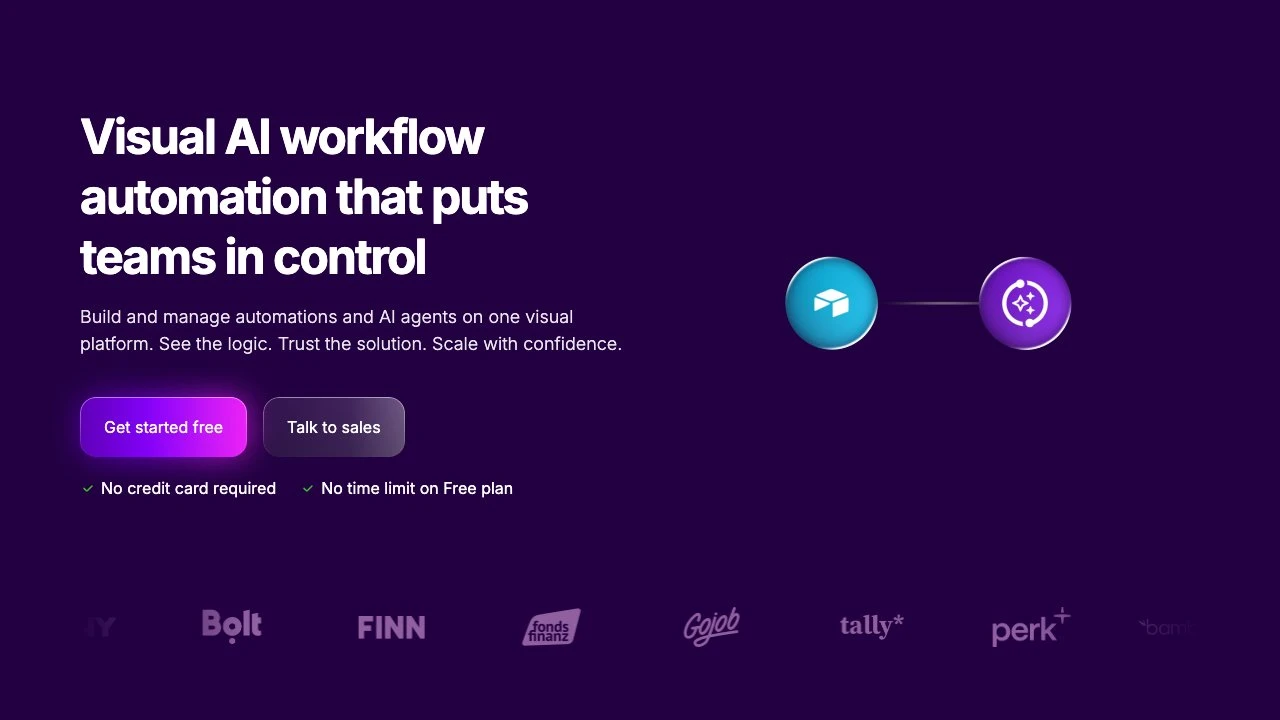
Make (formerly Integromat) is a visual no-code automation platform that lets individuals and teams design, build, and manage automated workflows across thousands of apps and services. Rather than writing code, users drag and drop modules onto a visual canvas to create "scenarios" — sequences of steps that trigger on events, transform data, and take actions across connected tools.
At its core, Make is built around visibility: every automation is represented as a flowchart-like diagram, making it easy to understand what's happening at each step, debug issues, and hand off work to teammates. This visual-first approach distinguishes it from platforms like Zapier, which use a simpler linear trigger-action model that's easier to start with but harder to scale. Make offers more granular control over data mapping, branching logic, error handling, and scheduling, making it a better fit for complex, multi-step workflows.
Make has expanded significantly into AI automation. Users can build AI agents that connect to over 3,000 apps, process data in real time, and make decisions autonomously within a workflow. The platform includes a Library of Agents with pre-built templates, and supports an MCP (Model Context Protocol) server to connect AI models to live business systems. This positions Make as not just a workflow tool but an orchestration layer for AI-driven operations.
The platform targets a wide range of business functions: marketing teams automating lead generation and content creation, sales teams managing CRM updates, operations teams syncing data across tools, IT teams handling provisioning and monitoring, HR teams running onboarding flows, and finance teams managing invoicing. Make also offers an enterprise tier with additional governance, security, and scalability features, plus Make Grid for managing automation across an entire organization.
Compared to Zapier, Make is more powerful but has a steeper learning curve. Compared to n8n, Make is a hosted SaaS product without self-hosting requirements, which lowers operational overhead but reduces data sovereignty options. Compared to Workato or Tray.io, Make is more accessible to non-technical users and less expensive at lower tiers.
Make Academy provides structured eLearning, and the Make Community offers peer support — both reduce onboarding friction for new users. The template library and pre-built agent examples allow teams to get started quickly without building from scratch.
Key Features
- Visual scenario builder: drag-and-drop canvas to design multi-step automations without writing code
- 3,000+ pre-built app integrations covering CRMs, databases, marketing tools, productivity apps, and more
- AI agent builder: create and deploy autonomous agents that execute actions across connected apps
- Library of Agents: ready-made AI agent templates for common business use cases
- Make MCP Server: connect AI models to live business data and actions securely
- Advanced data mapping and transformation with support for branching logic, filters, and iterators
- Make Grid: organization-wide view for monitoring and managing all automations
- Real-time execution logs and error handling to troubleshoot and maintain workflows
Pros & Cons
Pros
- Visual canvas makes complex workflows transparent and easier to debug than text-based alternatives
- Extensive app library (3,000+) covers most common business tools out of the box
- Strong AI workflow support, including native agent building and MCP server integration
- Free tier available, lowering the barrier to entry for individuals and small teams
- Active community and structured Academy resources support learning and adoption
Cons
- Steeper learning curve compared to simpler tools like Zapier, especially for new users
- Fully hosted SaaS only — no self-hosting option for teams with strict data residency requirements
- Pricing can escalate quickly at higher operation volumes
- Some advanced features are reserved for higher-tier or enterprise plans
Pricing
Make offers a free tier to get started. Paid plans are available with increasing operation limits and features; visit the official website for current pricing details.
Who Is This For?
Make is best suited for operations managers, marketing teams, and technical business users who need to automate complex, multi-step processes across many tools without writing code. It excels at scenarios where visibility into workflow logic matters — such as data pipelines, lead management, AI agent orchestration, and cross-department automation — and is particularly strong for teams that have outgrown simpler tools like Zapier.

Common Use Cases for Make
View allSimilar to Make