LM Studio
Desktop app for running local language models. OpenAI-compatible API for agent development.
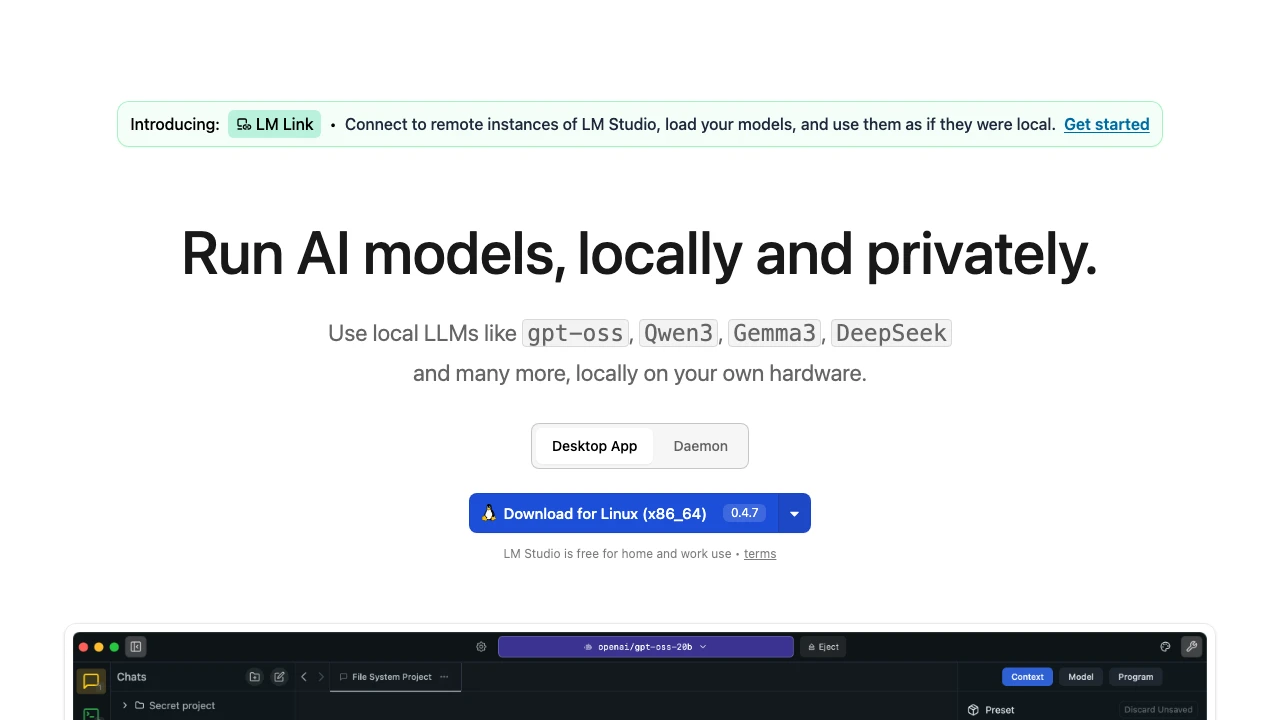
LM Studio is a desktop application that lets users download, manage, and run large language models entirely on their own hardware — no cloud connection required. Built by Element Labs, it targets developers, researchers, and privacy-conscious users who want full control over their AI inference stack without sending data to third-party servers.
At its core, LM Studio provides a graphical interface for discovering and pulling models from public repositories, then running them locally through a built-in inference engine. The application supports a wide range of open-weight models including Qwen3, Gemma 3, DeepSeek-R1, and OpenAI's open-source releases. Once a model is loaded, LM Studio exposes an OpenAI-compatible REST API, which means existing code written against the OpenAI SDK can be redirected to a local endpoint with minimal changes.
For teams that need server-side deployment without a GUI, LM Studio ships llmsterd — a headless daemon mode that runs on Linux boxes, cloud instances, or CI pipelines. Installation is a single curl or PowerShell command, making it straightforward to embed local inference into automated workflows. This positions LM Studio not just as a desktop chat tool, but as infrastructure for local AI pipelines.
Developer tooling is a clear priority. Official SDKs are available for both JavaScript/TypeScript (@lmstudio/sdk) and Python (lmstudio), with dedicated documentation for each. A CLI tool (lms) is also available for managing models and server state from the terminal. LM Studio also functions as an MCP (Model Context Protocol) client, integrating into the broader agent tooling ecosystem.
A newer feature, LM Link, allows users to connect to remote instances of LM Studio — loading models on a remote machine and using them as if they were local. This bridges the gap between fully local and cloud-hosted workflows.
Compared to alternatives like Ollama, LM Studio differentiates itself with a polished desktop GUI, a built-in model browser, and the LM Link remote access feature. Ollama is more lightweight and CLI-first, making it a better fit for pure server deployments, while LM Studio offers more for users who want a managed desktop experience alongside developer APIs. Jan.ai occupies similar territory but has a smaller model ecosystem. For teams committed to the cloud, providers like OpenAI or Anthropic offer higher model capability but at the cost of data leaving the user's infrastructure.
LM Studio is free for both personal and commercial use under its stated terms, with an enterprise tier available for organizations needing additional support or deployment options. The application runs on macOS, Windows, and Linux, and supports Apple MLX models for optimized performance on Apple Silicon hardware.
Key Features
- OpenAI-compatible local API server, allowing existing OpenAI SDK code to point to a local endpoint with minimal changes
- Built-in model browser for discovering and downloading open-weight models including Qwen3, Gemma 3, DeepSeek-R1, and others
- Headless daemon mode (
llmsterd) for server and CI deployments without a GUI, installable via a single shell command - Official SDKs for JavaScript/TypeScript and Python with dedicated documentation
- LM Link feature for connecting to and using remote LM Studio instances as if they were local
- MCP (Model Context Protocol) client support for integration with agent frameworks
- CLI tool (
lms) for managing models and server state from the terminal - Apple MLX model support for optimized inference on Apple Silicon hardware
Pros & Cons
Pros
- Fully local and private — no data leaves the user's machine by default
- OpenAI-compatible API makes it a drop-in replacement for cloud LLM calls in existing codebases
- Free for both personal and commercial use
- Polished desktop GUI combined with headless/daemon mode covers both developer and non-developer workflows
- Broad model support with a built-in discovery interface
Cons
- Performance is bound by local hardware — running large models requires significant RAM and, ideally, a capable GPU
- Model quality for the largest frontier tasks still lags behind closed-source cloud providers
- Remote access via LM Link requires a running LM Studio instance on the remote machine, adding setup overhead
- GUI-first design may feel heavyweight for users who only need a simple API server
Pricing
LM Studio is free for home and work use under its standard terms. An enterprise tier is available for organizations; visit the official website for current enterprise pricing details.
Who Is This For?
LM Studio is best suited for developers building AI applications who need an OpenAI-compatible local inference server for privacy, cost control, or offline use. It also works well for researchers and technical teams who want to evaluate and compare open-weight models without cloud dependencies, and for organizations exploring self-hosted AI infrastructure before committing to a cloud provider.
Tags:

Similar to LM Studio