Zapier
The largest automation platform. Recently added AI agent capabilities with Zapier Central.
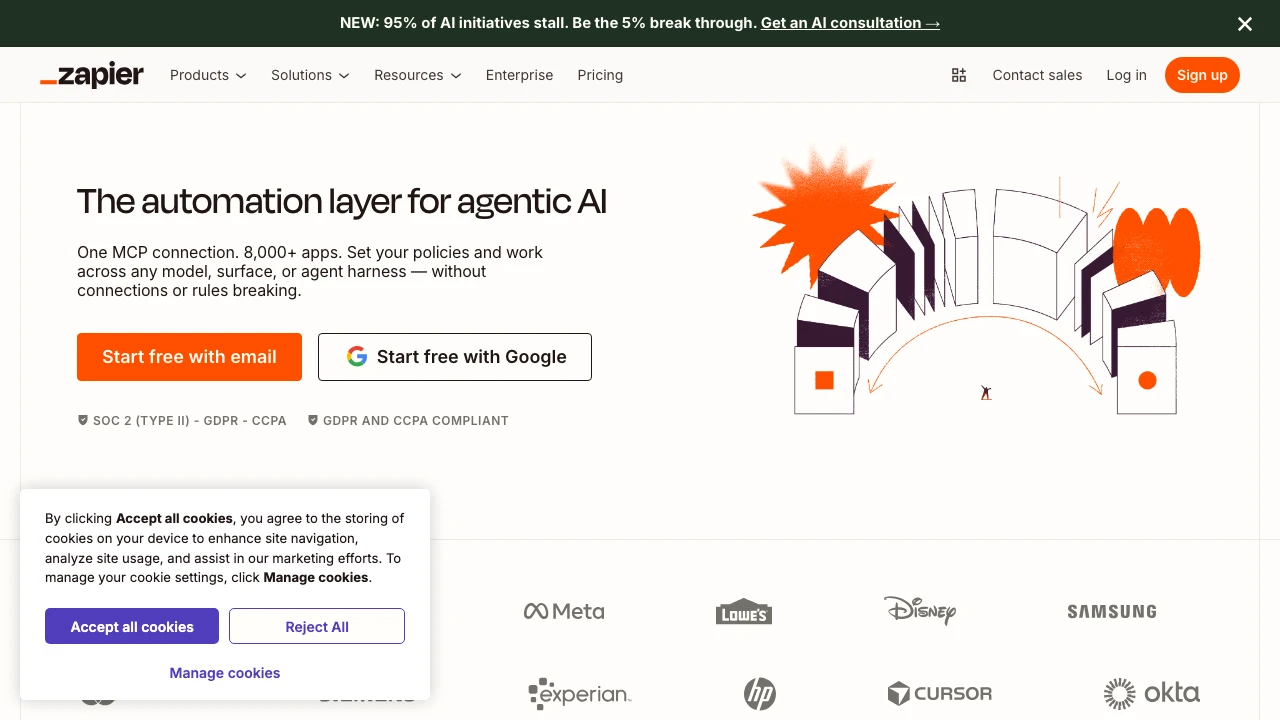
Zapier is the dominant no-code automation platform connecting over 8,000 web applications through trigger-based workflows called Zaps. Founded in 2011, it has grown to become the largest integration platform by app count, serving individuals, small businesses, and enterprise teams across virtually every industry.
At its core, Zapier works on a simple premise: when something happens in one app (the trigger), automatically do something in another app (the action). A new lead in a form triggers a Slack notification and a HubSpot contact creation — all without writing code. Users build these workflows through a visual editor, choosing from thousands of pre-built app connectors and templates.
Beyond simple two-step automations, Zapier supports multi-step Zaps with conditional logic, filters, formatters, and branching paths. The platform has expanded significantly in recent years, adding Tables (a built-in database for storing and reading workflow data), Forms (for capturing inputs that trigger workflows), and Canvas (an AI-assisted tool for mapping and planning automation architecture).
The most significant recent addition is Zapier Agents — a product that lets users create AI assistants capable of taking actions across connected apps autonomously. Agents can browse the web, run Zaps, query Tables, and respond to natural language instructions, positioning Zapier as an AI orchestration layer rather than just a point-to-point integration tool. Zapier MCP (Model Context Protocol) extends this further by connecting external AI agents to Zapier's app ecosystem without custom code.
Zapier Copilot, an in-product AI assistant, helps users build automations by describing what they want in plain English — reducing the setup friction that has historically made automation tools inaccessible to non-technical users.
Compared to alternatives, Zapier's primary strength is breadth: 8,000+ integrations far exceeds Make (formerly Integromat), which offers more advanced data transformation and lower pricing but a steeper learning curve. n8n targets developers who want self-hosted, highly customizable workflows. Microsoft Power Automate integrates more deeply with the Microsoft 365 ecosystem. Zapier occupies the middle ground — more capable than basic tools like IFTTT, more accessible than developer-oriented platforms, and broader than any single-vendor solution.
The platform serves teams across RevOps, marketing, sales, IT, HR, and customer support. Pre-built templates and use case libraries accelerate time-to-value for common scenarios like lead routing, ticket management, and campaign triggers. Enterprise plans add SSO, advanced permissions, and dedicated support.
Zapier's ecosystem also includes a Partner Directory of certified consultants for organizations that want expert implementation help, and an Early Access program for users who want to test new features before general release.
Key Features
- Connects 8,000+ apps through no-code, trigger-based Zaps with multi-step logic, filters, and conditional branching
- Zapier Agents: AI assistants that autonomously take actions across connected apps in response to natural language instructions
- Zapier MCP (Beta): Connects external AI agents to thousands of apps without writing integration code
- Tables: Built-in database for storing, reading, and updating data within automated workflows
- Forms: Native form builder that captures user inputs and triggers downstream workflows
- Canvas: AI-assisted visual workspace for planning and mapping automation architecture
- Zapier Copilot: In-product AI assistant that builds Zaps from plain-English descriptions
- Functions (Beta): Web IDE for writing custom code within workflows for advanced use cases
Pros & Cons
Pros
- Largest app library by far (8,000+), covering virtually every SaaS tool in common use
- Low barrier to entry — non-technical users can build useful automations in minutes using templates and Copilot
- Expanding AI capabilities (Agents, MCP, Copilot) position it as an orchestration layer, not just a connector
- Extensive template library and partner ecosystem reduce time-to-value
- Supports enterprise requirements with SSO, advanced permissions, and security compliance features
Cons
- Pricing scales quickly with task volume, making it expensive at higher usage tiers compared to alternatives like Make or n8n
- Complex data transformations and advanced logic are less capable than Make's visual data mapping
- Agent and MCP features are still in beta, with reliability and capability limitations expected at this stage
- No self-hosting option for teams with strict data residency requirements
Pricing
Visit the official website for current pricing details.
Who Is This For?
Zapier is best suited for non-technical business users and operations teams who need to connect multiple SaaS tools without developer resources. It excels in use cases like lead routing, CRM synchronization, marketing campaign triggers, and customer support ticket management — anywhere a reliable, broad app library matters more than raw customization depth. Organizations evaluating AI-assisted automation or looking to give AI agents access to their existing app stack will also find the Agents and MCP products worth evaluating.

Similar to Zapier